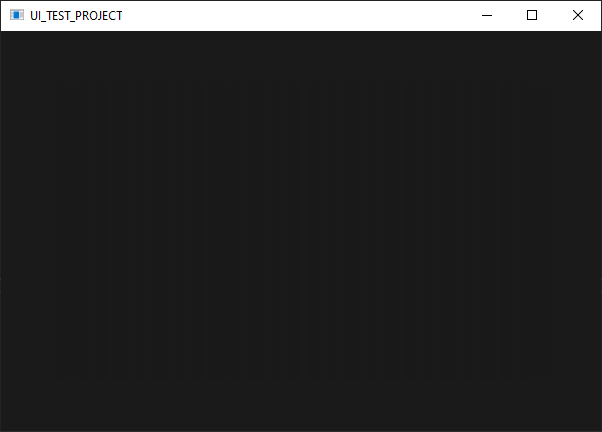
There’s a darker rectangle in the centre of those images which can be verified using a colour picker tool - it’s probably more noticable on a higher-contrast screen. The outer colour is FF1A1A1A, which is correct, while the inner colour is FF191919.
I believe this is a known issue - there was another thread about the same issue a few weeks ago but I can’t find it to link it now.
When I first saw the images I wondered whether the difference lies in colors that only smart people can see. After your explanation I understand that this is actually the case. The emperor is clothed after all.
I fully agree, but here is the problem: I have an envelope analyzer component which updates frequently, and there are a lot of graphics calls in there. This should be blended in with the background like this:
Replacing all paint calls colours with gradients or changing the Graphics alpha is not possible (because I paint into an image and to make the waveform look like its moving I have to paint the image at different positions), so I dont have a choice.
It creates the same artifacts as the other methods from my pictures.
Short term I will have to redesign this product, but a long term solution on the juce side of things would be really great.
Does the curve image have also background? the same color as the real background or where do the artefacts appear. I could imagine this being drawn in a way that there needs to be no same color drawn at the same pixel in fully opaque background and masked foreground. Use the mask only on the curve image that has fully transparent background so that only the curves get masked.
The image contained the same colour as a background, and removing the background from the image did the trick! Thank you very much! I used to draw the same colour to remove old image content and paint the bg in one place, but I could have just used image.clear as well.
For everyone else having this issue:
draw the full opacity colour first
use a transparency layer to paint only all the other colours
Awesome! I like this method particularly because it does actually what it looks like instead of faking it. I believe JUCE is the only framework that i’ve used where this is possible (or easy to the extend that it’s practical). Have been forced to fake it so so many times and always with unsatisfying results.
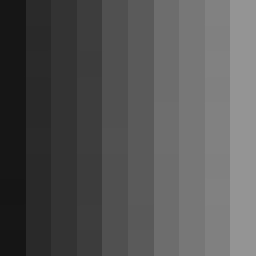
There appears to be some inconsistencies in colour with gradients. This is a 10x10 linear gradient with points in the top-left and top-right. I’d expect each column of pixels to be identical, however if you look carefully (and/or use a colour picker tool) some of the colours seem to randomly change by ±1.
E.g. the second column starts with #424242, then the next pixel down is #414141, then #424242 again!