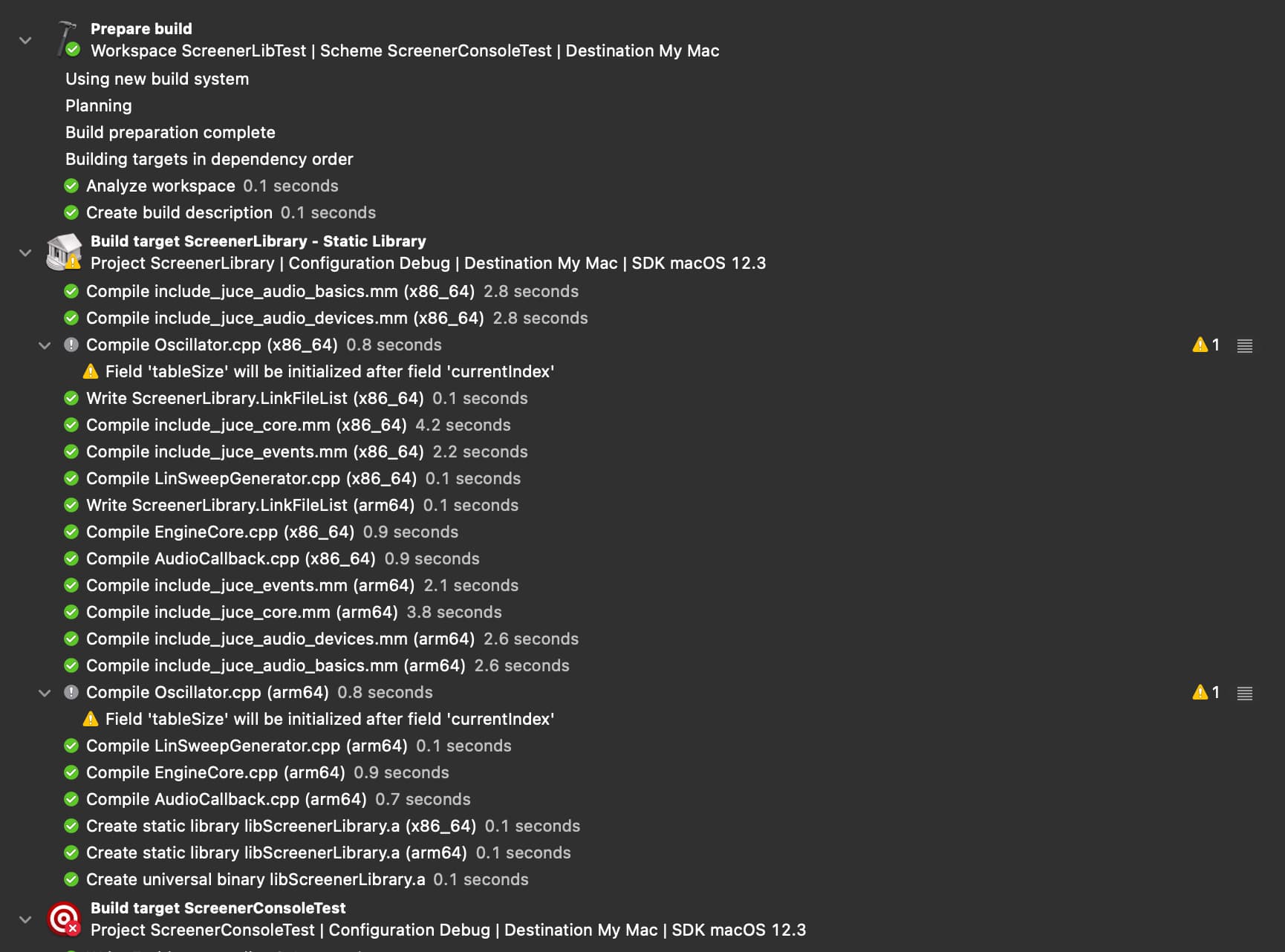
Hello folks, I am new to Juce and MacOS/iOS and ran into the following problem (IDE is Xcode13): I have made a small audio library with Juce that I want to integrate into an existing application running on MacOS and iOS.
So far so good, I added the Projucer library project as a subproject to my workspace, added the correct header paths, added the subproject as a dependency and linked the library in the build settings of the target, so I can directly test changes I make to the library in the app (for now it is only a small c++ console app for testing since I wanted to find out how to correctly import the library before writing the bridge, as described here: GitHub - adamski/audioengine-demo: An example of a multi-platform library using JUCE).
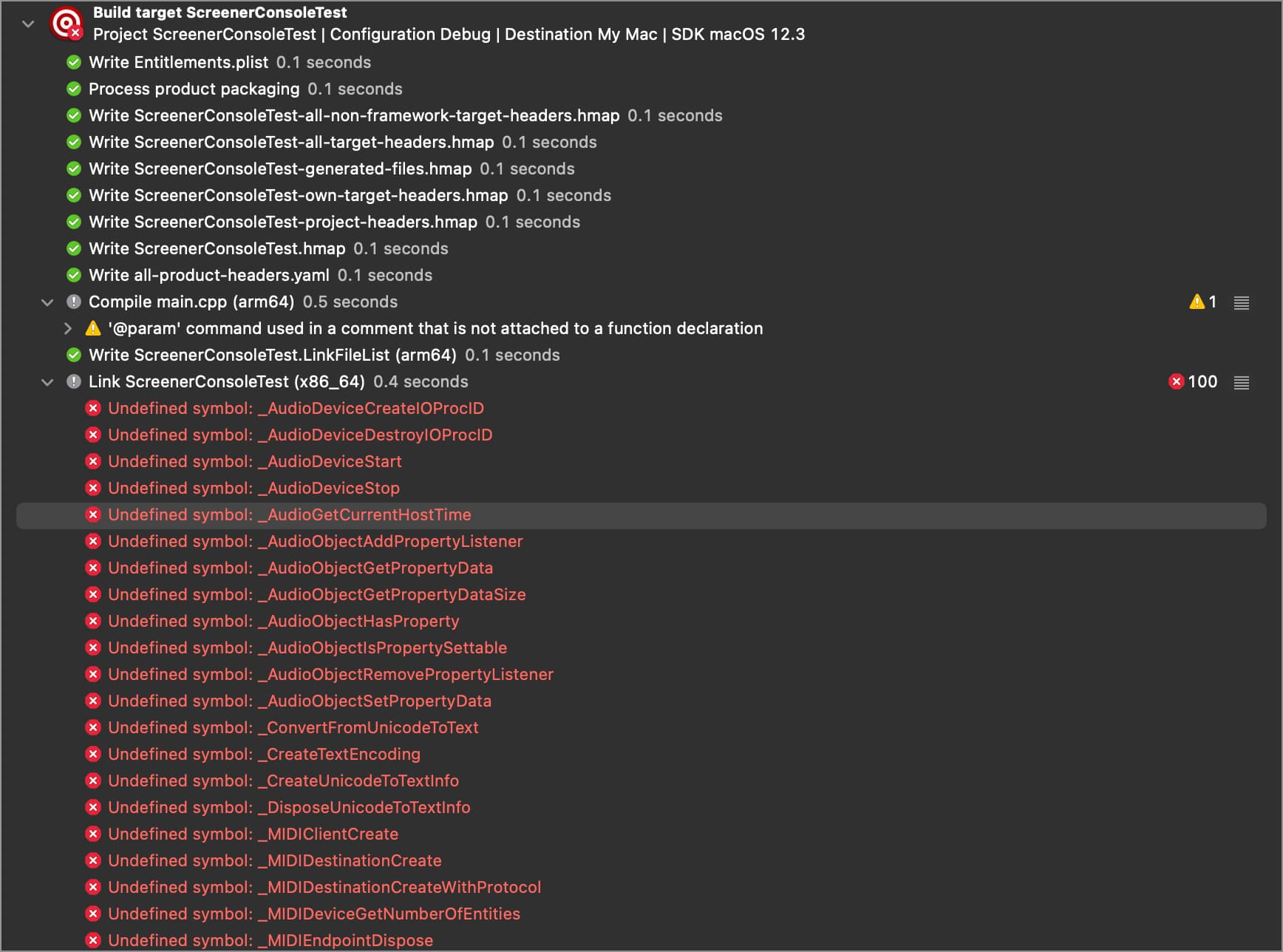
The problem I am currently running into is the following linker error I cant resolve:
Undefined symbols for architecture arm64:
ld: symbol(s) not found for architecture arm64
This error occurs 101 times, for every juce function that is beeing used. I checked the target architecture settings in both the library and the console app, they are the same. If I change the build active architecture only setting to No, the error changes to
ld: symbol(s) not found for architecture x86_64
I analysed the library binary with the file command in the console, which led to following output:
mylib.a : Mach-O universal binary with 2 architectures: [arm64:current ar archivecurrent ar archive] [x86_64]
mylib.a (for architecture arm64): current ar archive
mylib.a (for architecture x86_64): current ar archive
In my understanding, the binary should support my architecture (arm64), so why cant the linker find the symbols?
Thanks for your help!