
Hi Jamie,
In the projucer, under the “Visual Studio 2022”, for the “Debug” configuration, set the “Debug Information Format” to "Program Database for Edit And Continue (/ZI) "and “Incremental Linking” to “Enabled” like it is in the above picture.
In Visual Studio, make sure you have selected the “Debug” configuration and run the program. Now, make any changes in any functions and press hot reload. It should recompile only what you have edited and link it on the fly.
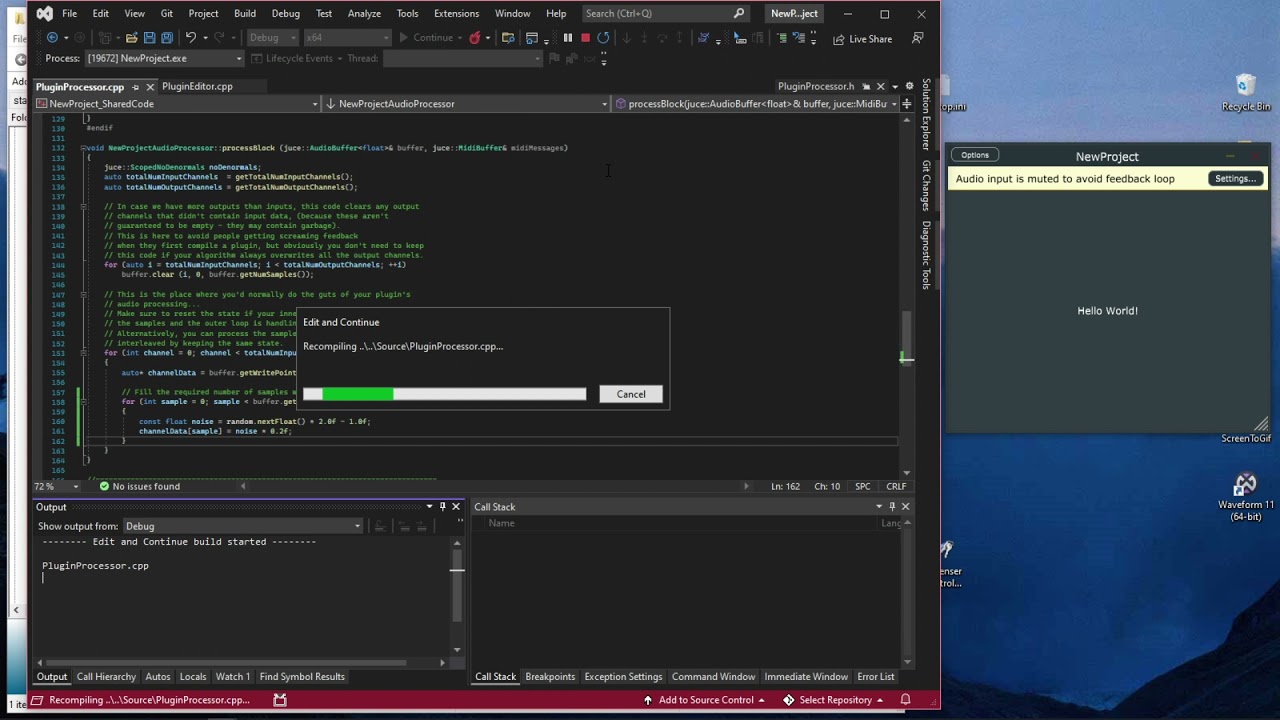
Here the project that was used,
NewProject.zip (65.7 KB)